Case study · 2026 · First game
Hit Them All!
A top-down action game in raw C# on Raylib, with no engine. Built to learn what game engines do by doing it all by hand.
- Days
- 16
- Commits
- 147
- Lines of C#
- 3.4k
- Source files
- 27
- Stages
- 10
- Enemies to clear
- 355
01 / 09
Overview
Most first games start in Unity or Godot. I wanted to know what those engines do for you, so I started from a blank window: a game loop, a square, a circle, and C#. Every system after that, from the camera and collision to the save files, shaders and enemy AI, I built because the game needed it.
- Role
- Solo: design, code, tuning
- Timeline
- 14 – 29 Sep 2026
- Stack
- C# · .NET 10 · Raylib-cs · GLSL
- Platform
- Windows (single-file exe)
02 / 09
Shapes to game
Score: 120 High: 340
Time: 04
FPS: 60
+10+10Day 1 · shape-version branch
A square and a circle
- One 287-line Program.cs, top-level statements, no classes
- A square you steer with WASD (Shift to boost) and a circle to hit or click
- Five seconds on the clock; every hit buys some of it back
- A shrinking death animation and a +10 popup tweened by hand
- High score saved to a text file in AppData
Day 16 · main branch
A top-down action game
- 27 files: a game state machine, entities, camera, world and HUD
- Ten hand-tuned stages built on Tiled maps with walls, pits and spawn points
- Light and heavy axe swings, a parry, a slow-time power and an ultimate
- Seven enemy types with melee and ranged attacks, telegraphs and line of sight
- Loot, health pickups, damage numbers and checkpoint saves in JSON
03 / 09
Dev log
14 Sep
Shapes on a screen
- The first window, a square and a circle
- Collision, a countdown, game-over and replay
- 19 commits on day one
15 Sep
It becomes a game
- Sprites and a background
- A GameState enum replaces loose booleans
- Game and Player pulled out of the main loop
- Sound, pause, enemy projectiles, a health bar, camera shake
- JSON saves
16 Sep
Structure and a first build
- Split into files
- Main menu and Continue
- Ultimate meter, then a teleport strike
- Pause blur shader
- First self-contained Windows build
17 – 19 Sep
Many enemies, many stages
- Waves of enemies with full lifecycles
- Borderless fullscreen
- Enemy health bars and debug keys
- Generated stage maps and stage banners
- Light and heavy attacks
20 – 22 Sep
Combat feel
- Slow-time power and a new HUD
- A camera that follows the player across bigger maps
- Per-frame attack hit boxes and spawn points
- Coins, block and parry
- A new animated ultimate
23 – 24 Sep
Feedback
- Elemental trails on every swing
- Floating damage numbers
- Demon → Enemy refactor
- Enemies need line of sight to shoot
28 – 29 Sep
Content and polish
- Ten stages with their own rosters and loot
- New enemy types and attack animations
- Status effects with damage over time
- Hit flash, all in one shader
04 / 09
Mechanics
01
Light & heavy attacks
A fast swing for 30 and a slow one for 55. Damage lands on the axe's impact frame, not the whole animation, so timing matters.
02
Parry
E raises a short block. Catching a melee swing or a shot cancels it and is worth a point.
03
Ultimate
A three-phase cinematic: the world freezes while you pick a target, the camera zooms in, and the hero teleports beside it and strikes.
04
Slow time
Halves the world's clock for five seconds. Enemies, shots and spawns run on scaled time; the player keeps real time.
05
Enemy attacks
Melee enemies lock their aim and telegraph a 120° wedge on the ground. Ranged ones track you through the windup and only fire with a clear line of sight.
06
Elemental trails
Every finished swing sends a trail of energy along the ground that damages what it crosses and stops at walls.
07
Status effects
Burning, frozen, shocked, poisoned and stunned, each with its own slow-down and damage over time, ready for elemental weapons.
08
Stages, loot & saves
Each stage has a roster, a cap on enemies at once and a loot table. Clearing one writes a checkpoint you can continue from.
05 / 09
Under the hood
One frame
01
Update
Input, AI, combat, timers
02
Fit camera
Every frame; the window resizes
03
Draw world
BeginMode2D, blurred while paused
04
Draw UI
Screen space HUD and menus
↻ 60 times a second
- Content as data
- Enemies and stages are C# records. A stage is a map, a cap, a roster and a loot table; a Roster helper spreads each enemy kind evenly through the wave.
- Maps from Tiled
- A small TMX parser reads the tile grid for the world size, rectangle objects for walls and pits (pits block walking but not shots), and named points for spawns.
- One shader at a time
- Raylib binds a single shader per draw, so every status effect's look and the hit flash are mixed in one fragment shader pass driven by uniforms.
- Two clocks
- The player and power timers tick on real delta time; the world ticks on delta time × a time scale. Slow time is one multiplier, not special cases.
- Shipping
- Published as a self-contained, single-file Windows executable. It stays untrimmed because the save system uses reflection-based System.Text.Json.
Stages.cs, excerpt
public static readonly EnemyDef Brute = new(
    Health: 90, PointDrop: 15, PowerDrop: 30,
    RangedDamage: 0, MeleeDamage: 15,
    AttackType: EnemyAttackType.Melee,
    MoveSpeed: 100f, Look: EnemyLook.Brute);

// Stage 1: four on screen at once, ten in the wave.
new(Maps.ForestGlade, MaxAtOnce: 4,
    Roster((Enemies.Brute, 7), (Enemies.Tank, 2), (Enemies.Wisp, 1)),
    Loot((Drops.SmallHealth, 0.40f), (Drops.BigHealth, 0.15f),
         (Drops.PowerSurge, 0.02f)));
06 / 09
Pipeline
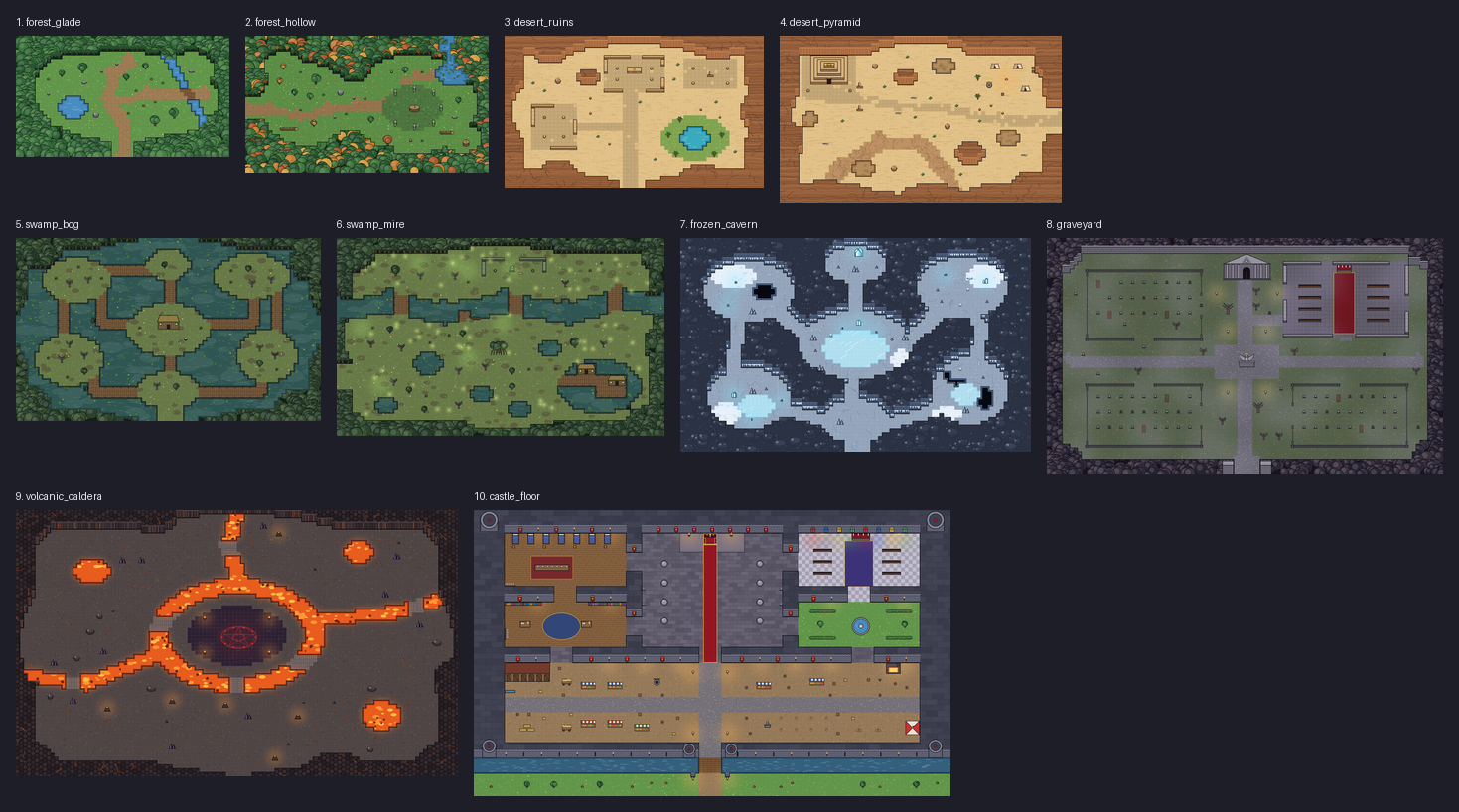
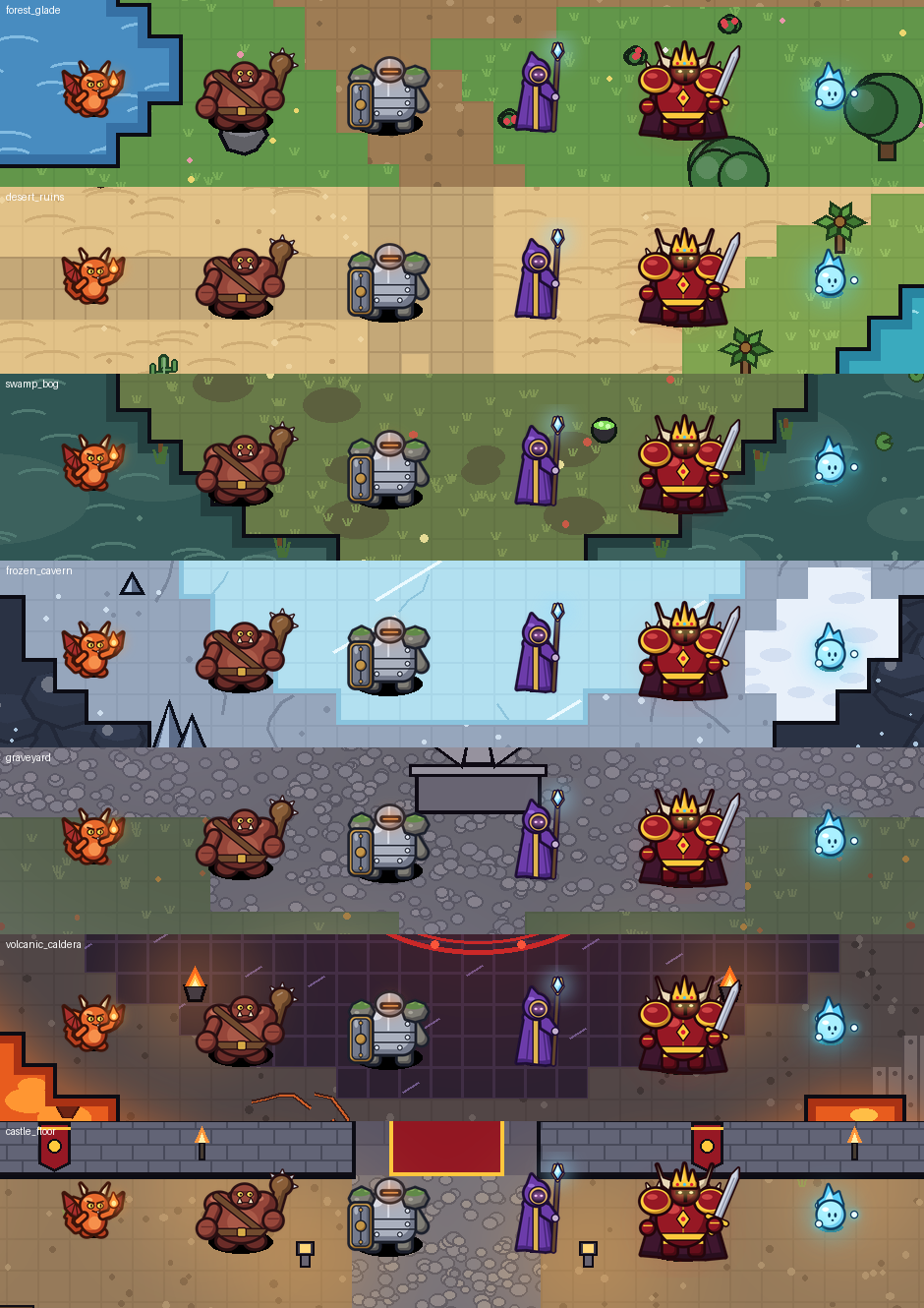
Ten stages and six enemy types are a lot of art for a solo learning project, so I built Python (Pillow) generators for them with AI assistance. One draws each stage's floor image and writes its Tiled map, keeping every wall on the 32 px grid and warning when part of a map can't be reached from the spawn. The other draws every enemy's idle, attack and death sheets in the same style, with contact sheets to check hit boxes and muzzle points against the game. The engine-level C# is where I did the deep dive.
07 / 09
Stages
Ten maps. Waves grow from 10 enemies to 81, ending with a boss.
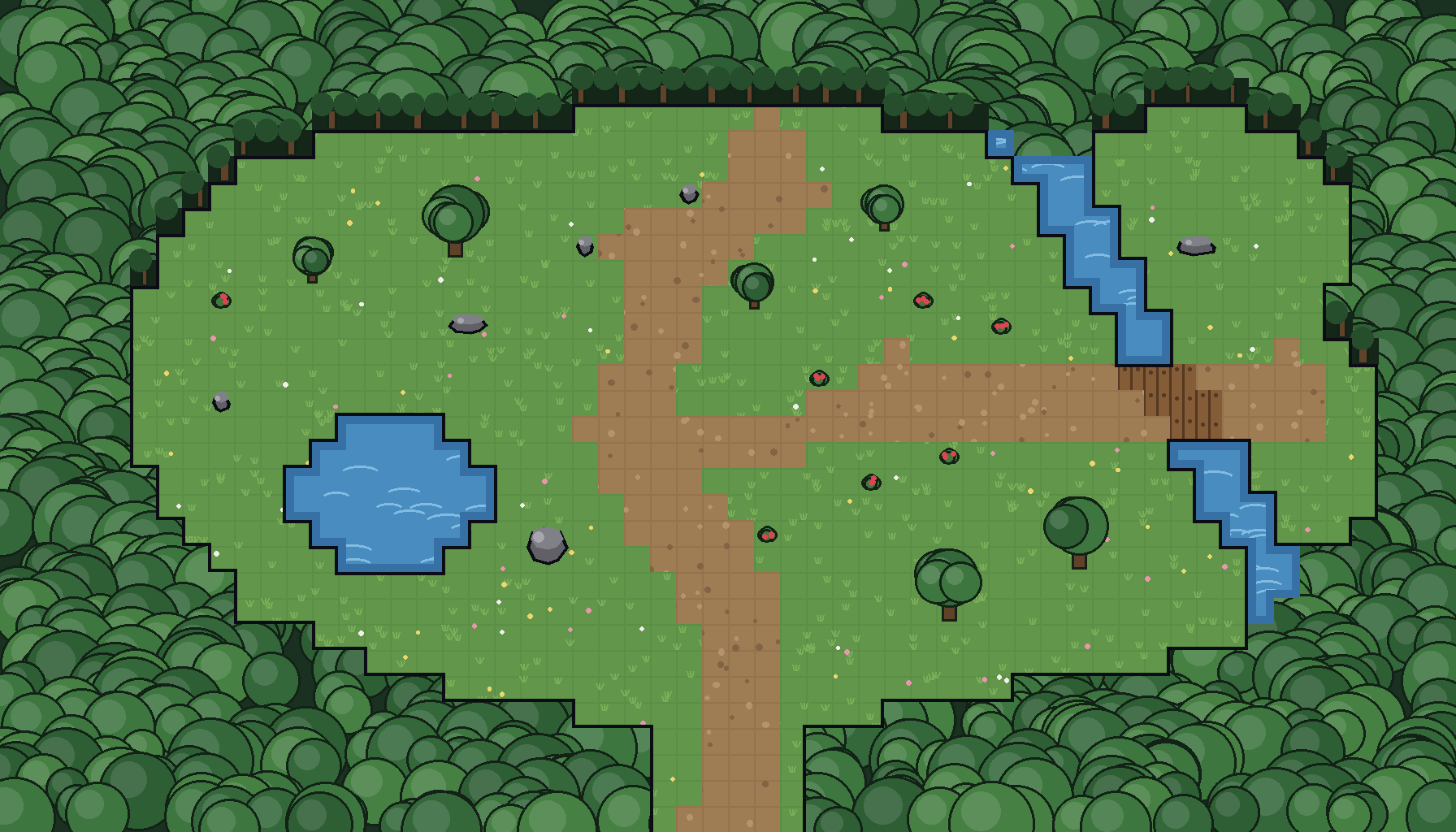
01Forest Glade4 at once · 10 total
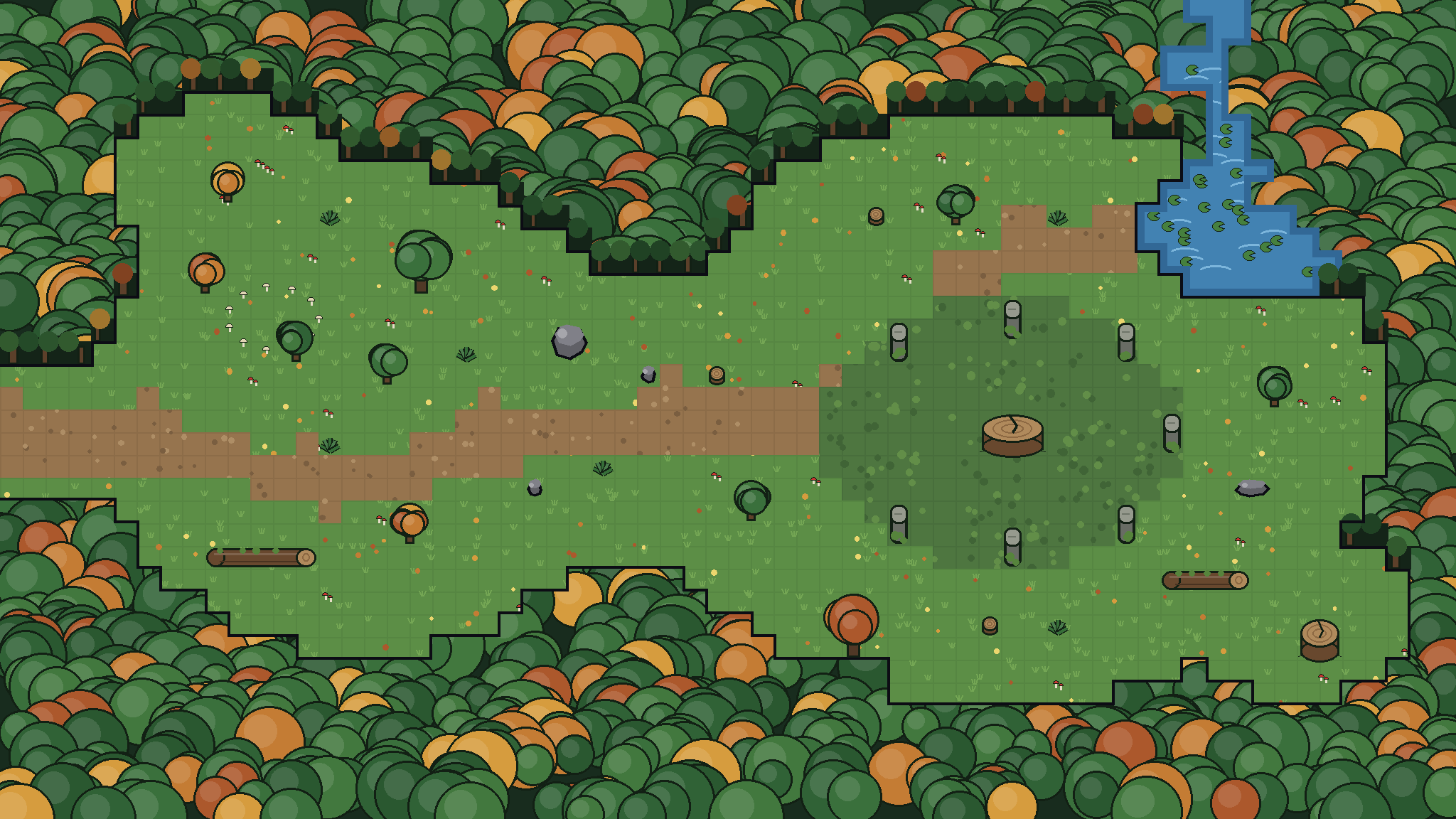
02Forest Hollow5 at once · 14 total
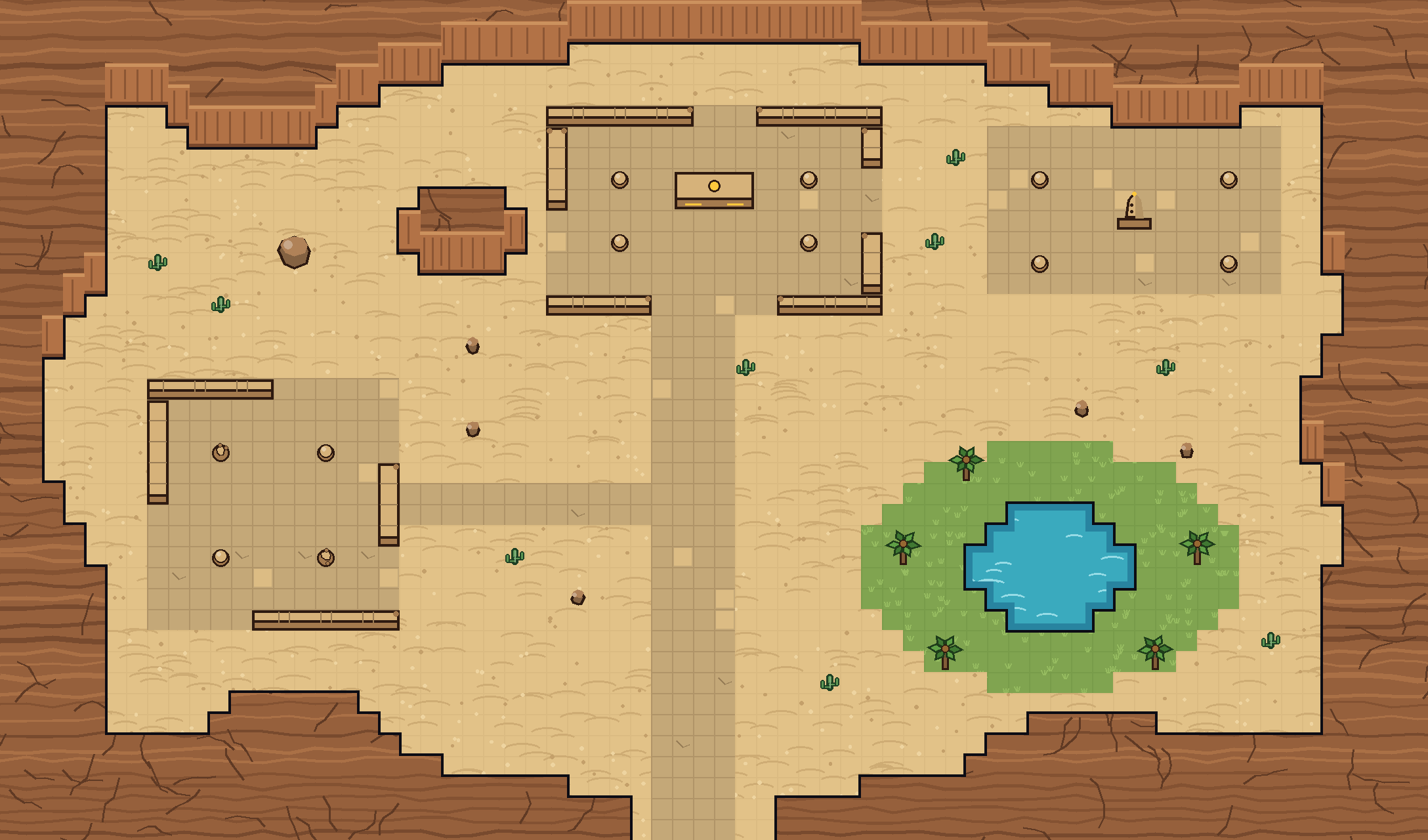
03Desert Ruins8 at once · 18 total
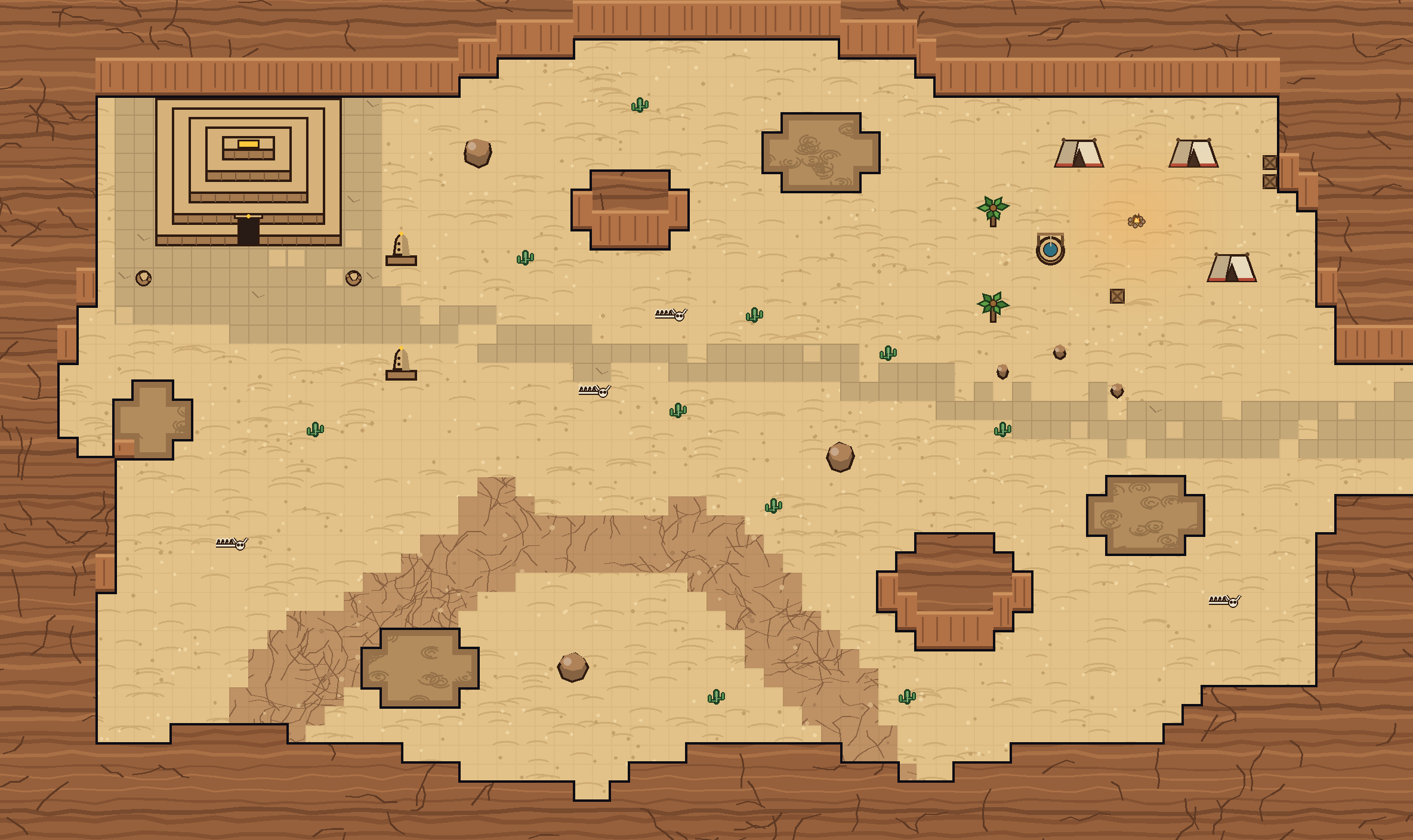
04Desert Pyramid10 at once · 22 total
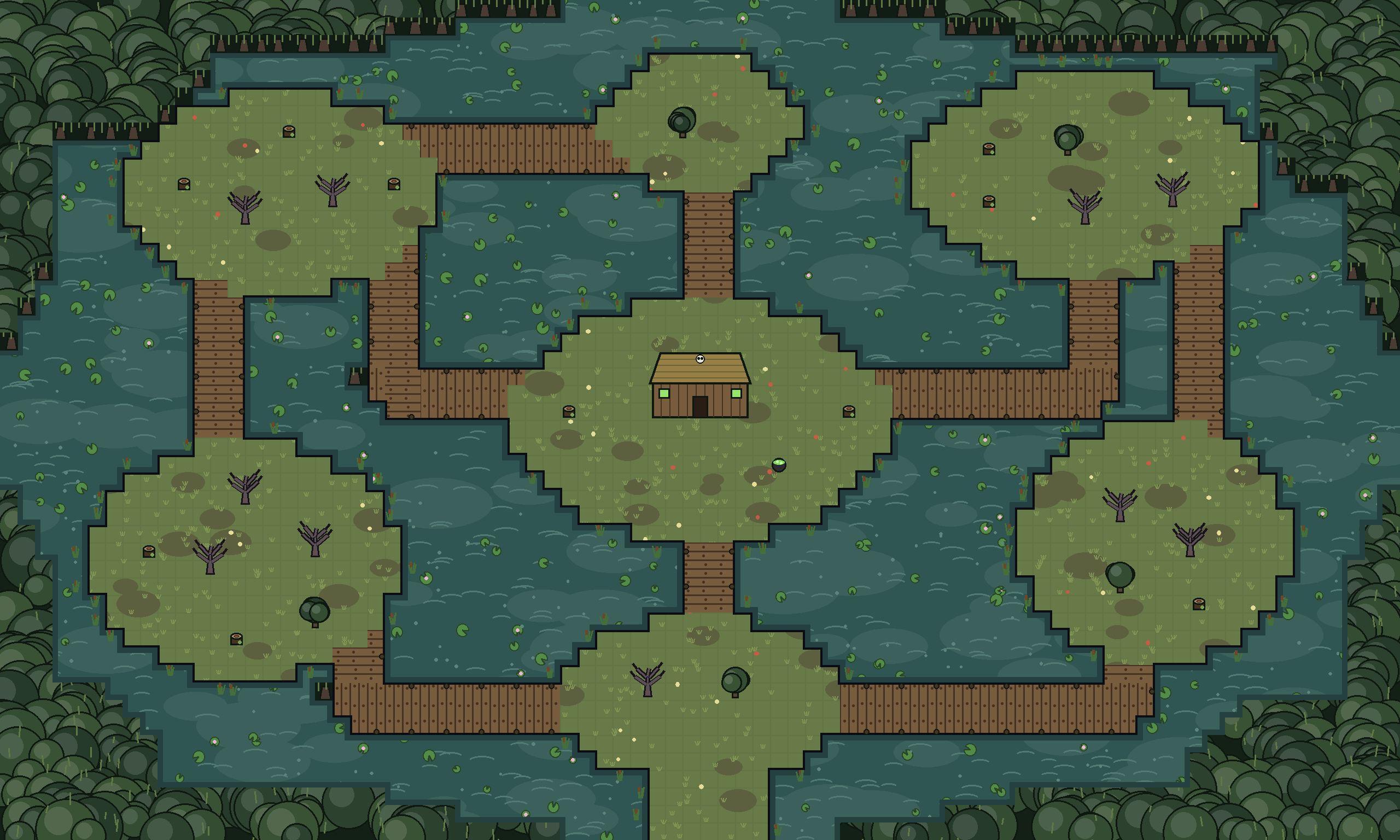
05Swamp Bog8 at once · 26 total
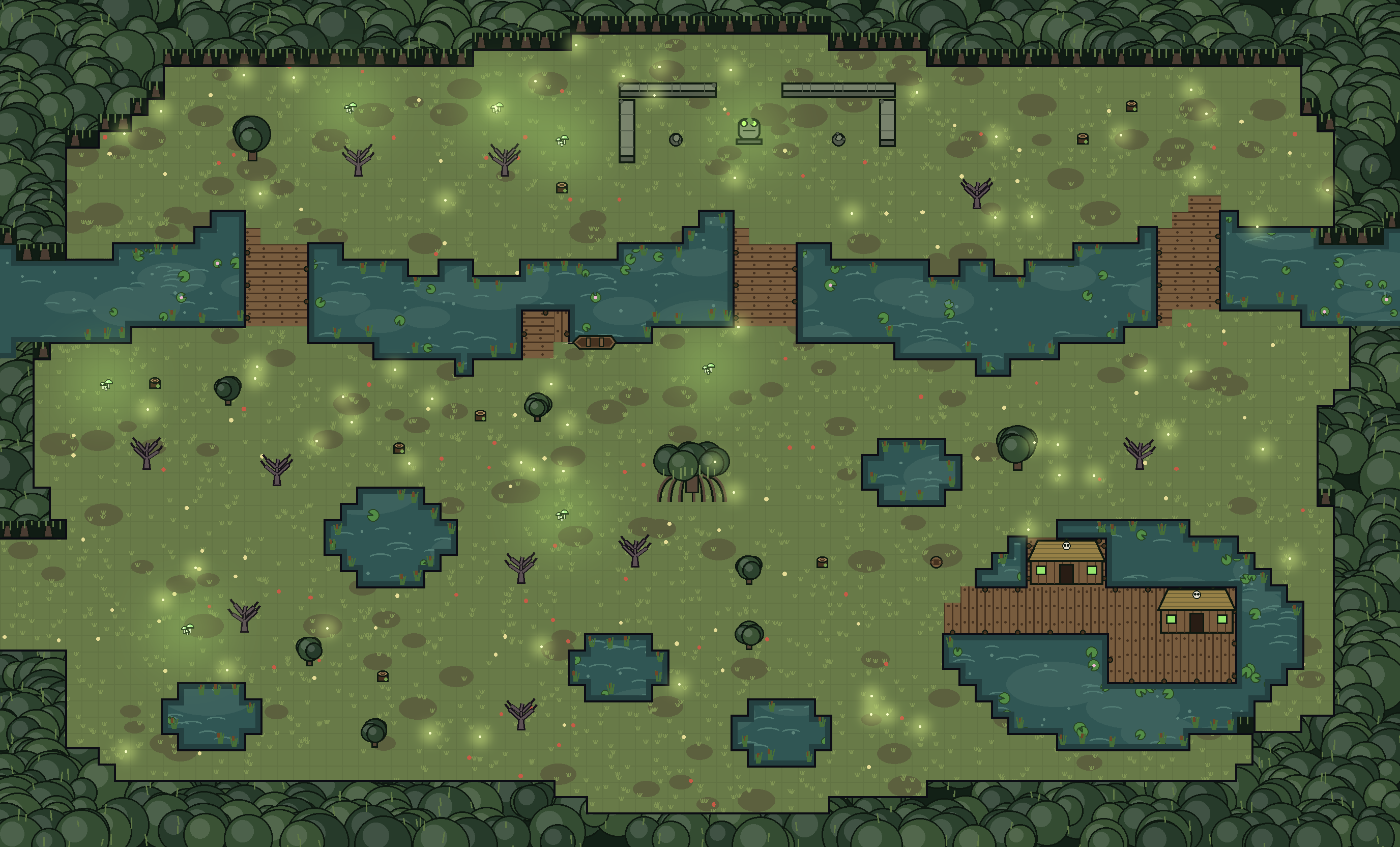
06Swamp Mire9 at once · 28 total
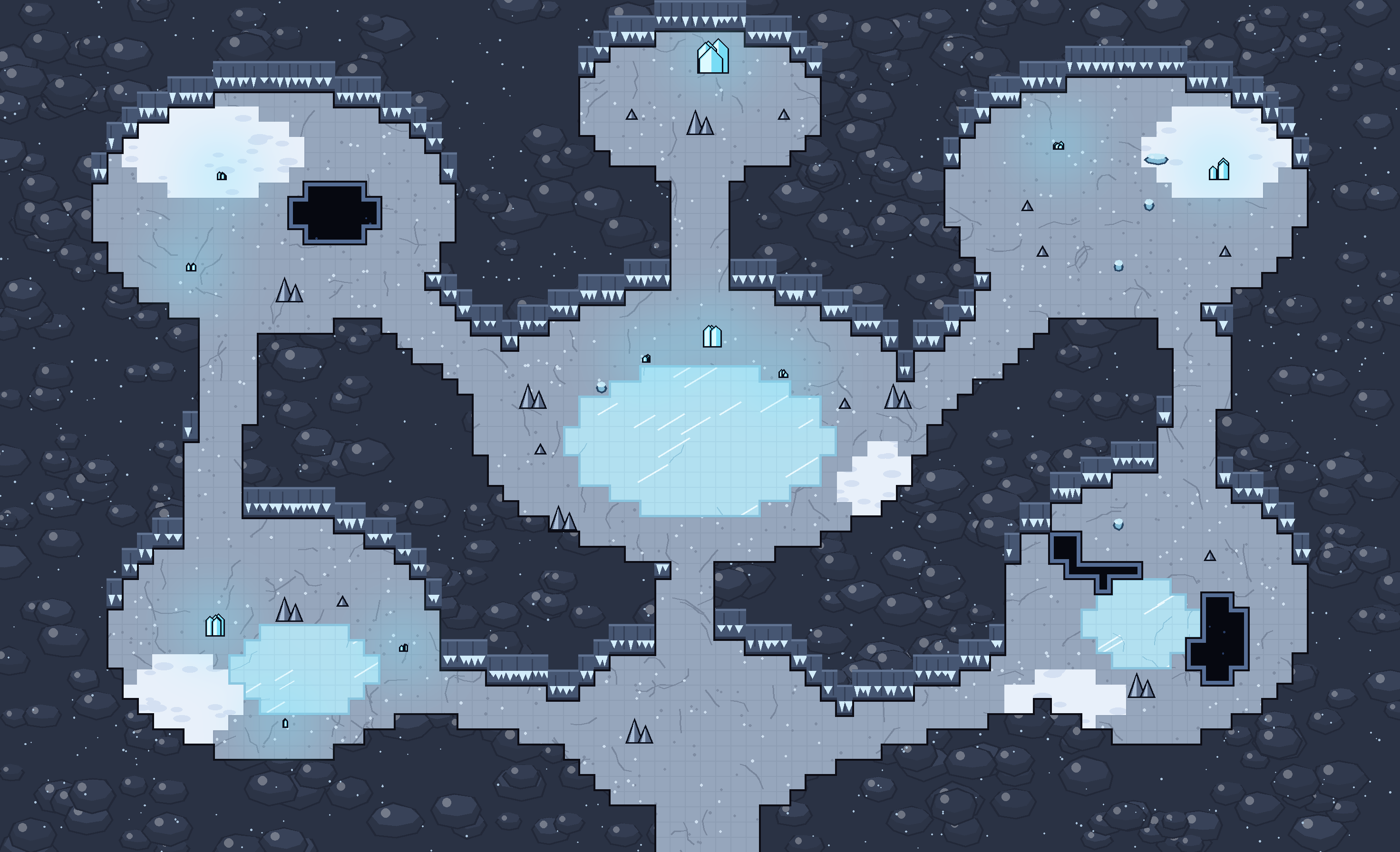
07Frozen Cavern14 at once · 32 total
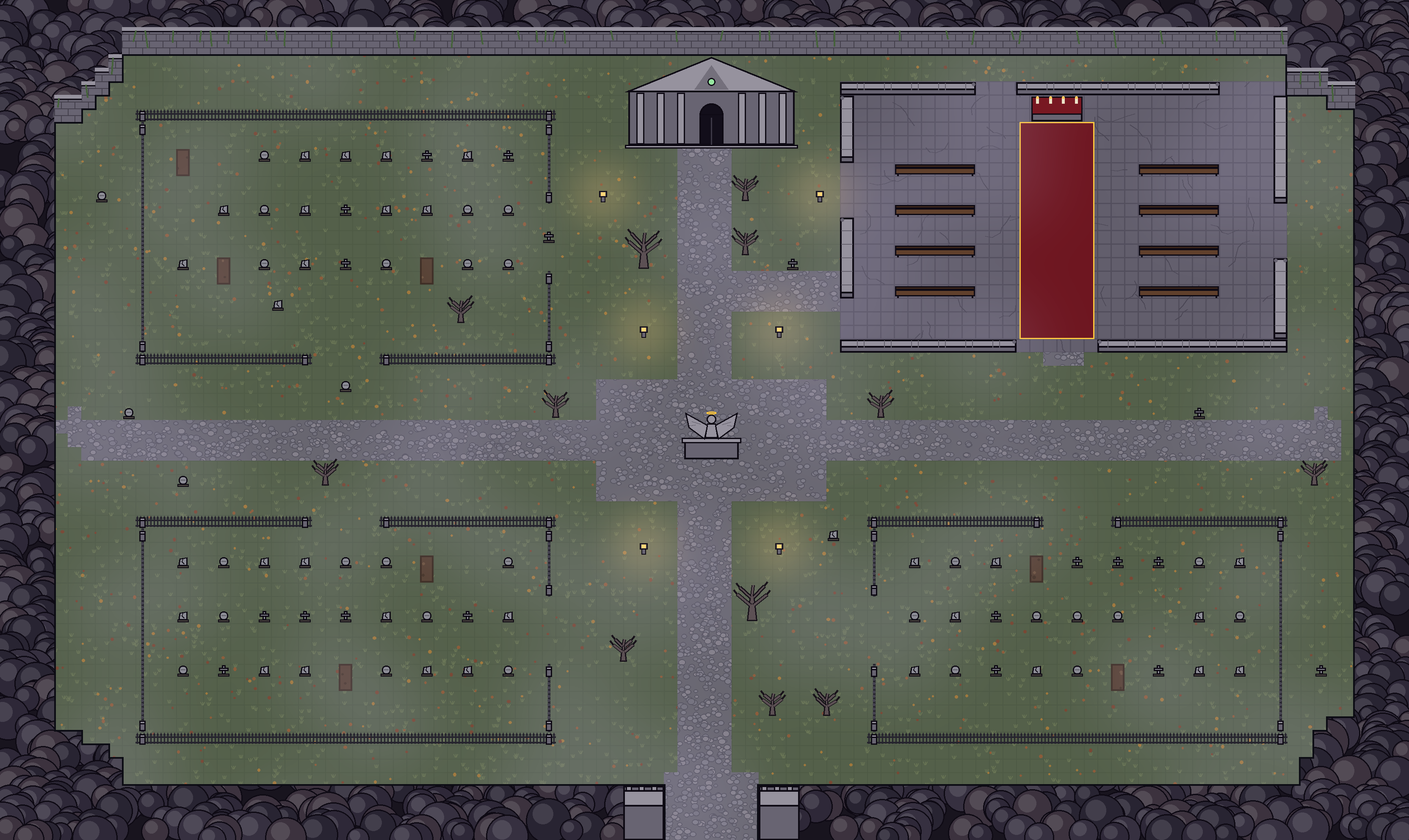
08Graveyard30 at once · 56 total
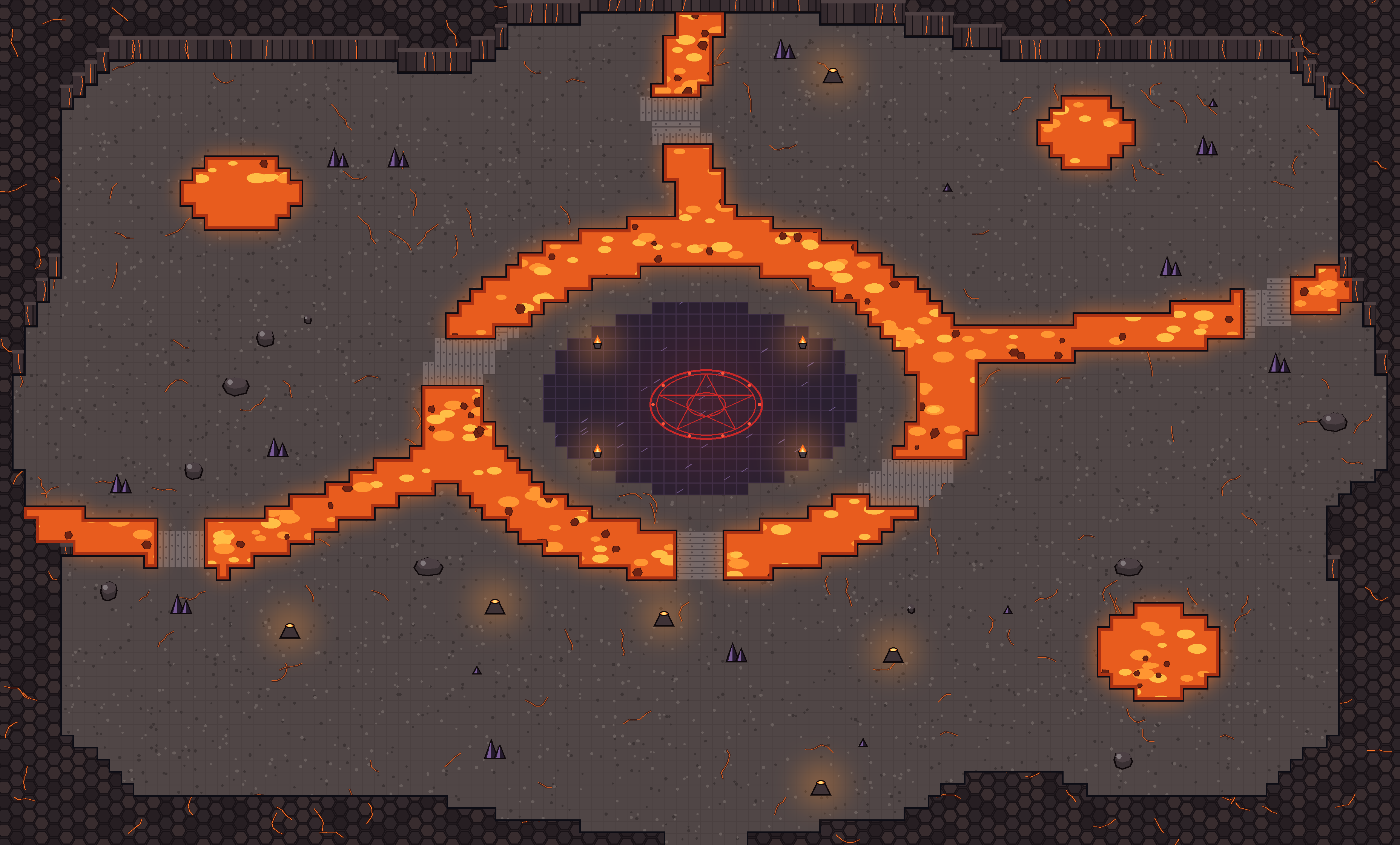
09Volcanic Caldera38 at once · 68 total
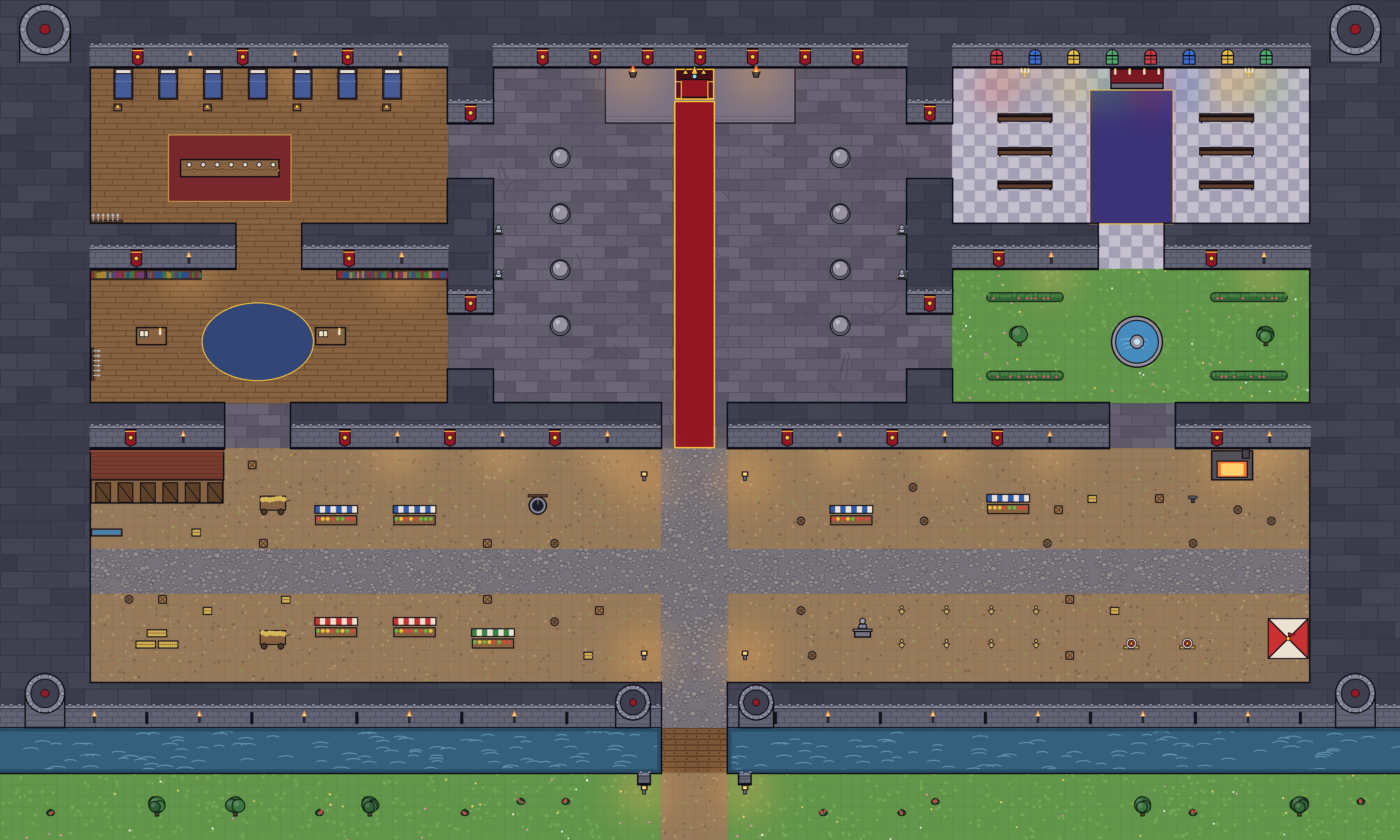
10Castle Floor40 at once · 81 total
08 / 09
Bestiary
Brute
Melee · 90 HP
The backbone of every wave. Walks you down and swings.
Tank
Melee · 180 HP
Slow and soft-hitting, but takes a lot to put down.
Imp
Ranged · 30 HP
Fragile, lobs slow shots from mid range.
Sniper
Long range · 40 HP
Fast, heavy shots from across the map.
Wisp
Ranged · 20 HP
Barely a threat, but a big boost to the ultimate meter.
Warlord
Boss · 250 HP
The last enemy of the last stage. Fights up close and at range.
09 / 09
Takeaways
- 01
Frame-independent everything
Movement, animation and timers all scale by delta time, or the game plays differently on every monitor.
- 02
State machines over flags
The prototype juggled hasStarted and isPlaying booleans. A GameState enum made menus, pause and game over simple to reason about.
- 03
Growing past one file
Splitting the prototype into a coordinator, entities and systems, and later renaming Demon to Enemy, taught me to refactor while the game keeps running.
- 04
What an engine does for you
Cameras, collision, asset lifetimes, shaders and save files are all decisions you make yourself without one. I now know what to look for in an engine.
- 05
Tools are part of the game
Debug overlays for hit boxes and walls, a god mode, and content generators saved more time than any single feature.
Play it
Ten stages, one axe. See how far you get.